AddToWishlistProductCardWidget
This widget allows users to add or remove items from their wishlist directly from product cards within catalogs. It also displays the current wishlist count, enhancing user interaction with the wishlist feature on product cards.
Widget example
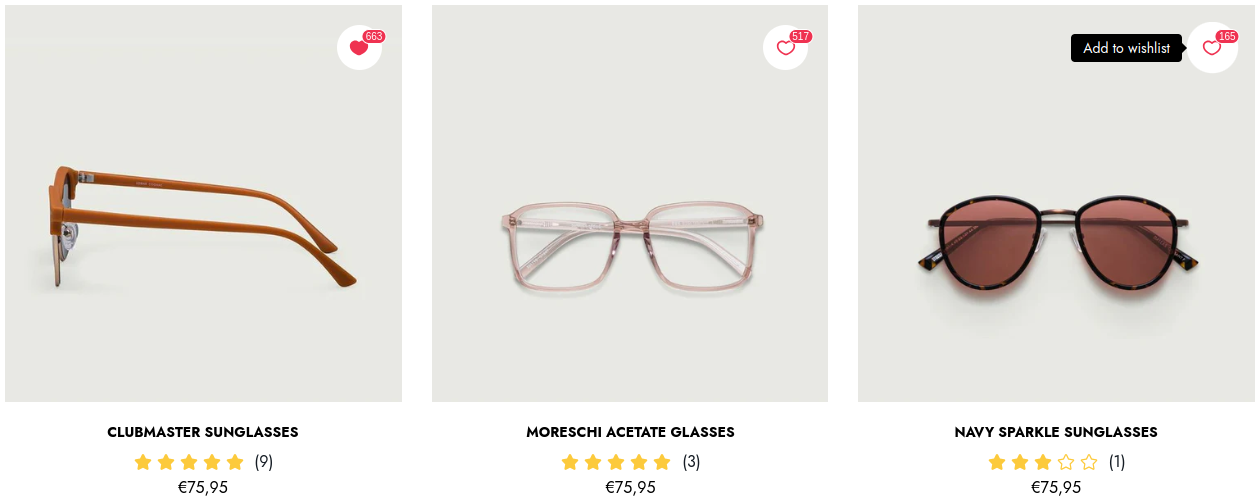
Code
Liquid
<div
    class="gw-add-to-wishlist-product-card-placeholder"
    data-gw-product-id="{{ product.id }}"
    data-gw-variant-id="{% if product.selected_or_first_available_variant %}{{ product.selected_or_first_available_variant.id }}{% else %}null{% endif %}"
    data-gw-wishlist-counter-position="left-top"
    style="display: block"
></div>
Attributes
Attributes
data-gw-product-idrequired- Specifies the unique identifier for the product used for adding and deleting wishlist items.
data-gw-variant-idrequired- Specifies the unique identifier for the product variant used for adding and deleting wishlist items.
data-gw-exact-variant-idrequired- Enables strict variant matching instead of product-level check.
data-gw-widget-position?optional- Specifies the corner of the product card the widget is pinned to. Possible values left, right. Default is left.
data-gw-wishlist-counter-position?optional- Specifies the side of the icon the wishlist counter is placed on. Possible values left, right, left-top, right-top, auto. The -top suffix is accepted for backwards compatibility and means the same as the plain value. With auto the counter is placed on the side opposite to data-gw-widget-position, so it does not overlap the edge of the card. Set the value explicitly to get a predictable position: when the attribute is omitted the counter falls back to the built-in default of the rendered widget version, which is the right side for V1 and the auto behaviour for V2.