RewardsAvailableRewardsPageWidget
This widget displays all rewards that a customer has redeemed but has not yet used — such as free shipping, free products, discounts, or gift cards. Clicking a reward tile opens a popup with the relevant reward title, conditions (if any), and a code or an action button to use it.
Activating the widget
To enable this widget, go to Growave admin -> Rewards -> Settings. In the "Points program status" section, click the "Enable" button next to the "Program is currently" block. Once enabled, this block will display "Program is currently Enabled".
Widget example
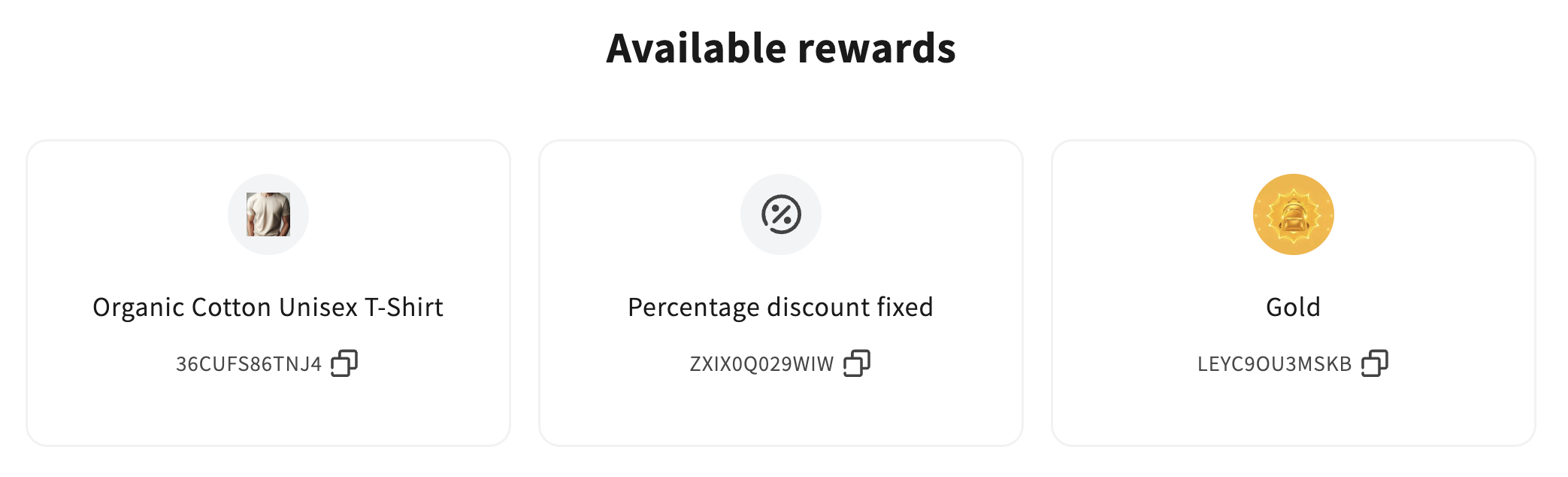
Code
<div
    class="gw-rd-available-rewards-page-widget-placeholder"
    data-gw-widget-shadow-root-enabled="true"
    style="display: block"
></div>
Attributes
Attributes
data-gw-widget-shadow-root-enabled?optional- Enables or disables the use of the Shadow DOM for the widget. Set to "true" to encapsulate the widget's styles and structure within the Shadow DOM, preventing style conflicts with the rest of the page.