RewardsHistoryPageWidget
This widget shows a detailed log of a customer's reward activity, including earned and redeemed points, tier changes, and refunds. Each entry includes the action type (such as placing an order or completing a social action), the associated reward (like discounts or free shipping), the current status of the reward, and the action date. Customers can track their progress and understand how their points balance has changed over time.
Activating the widget
To enable this widget, go to Growave admin -> Rewards -> Settings. In the "Points program status" section, click the "Enable" button next to the "Program is currently" block. Once enabled, this block will display "Program is currently Enabled". You can also activate the Referrals program and VIP Tiers program to display relevant information in the history widget.
Widget example
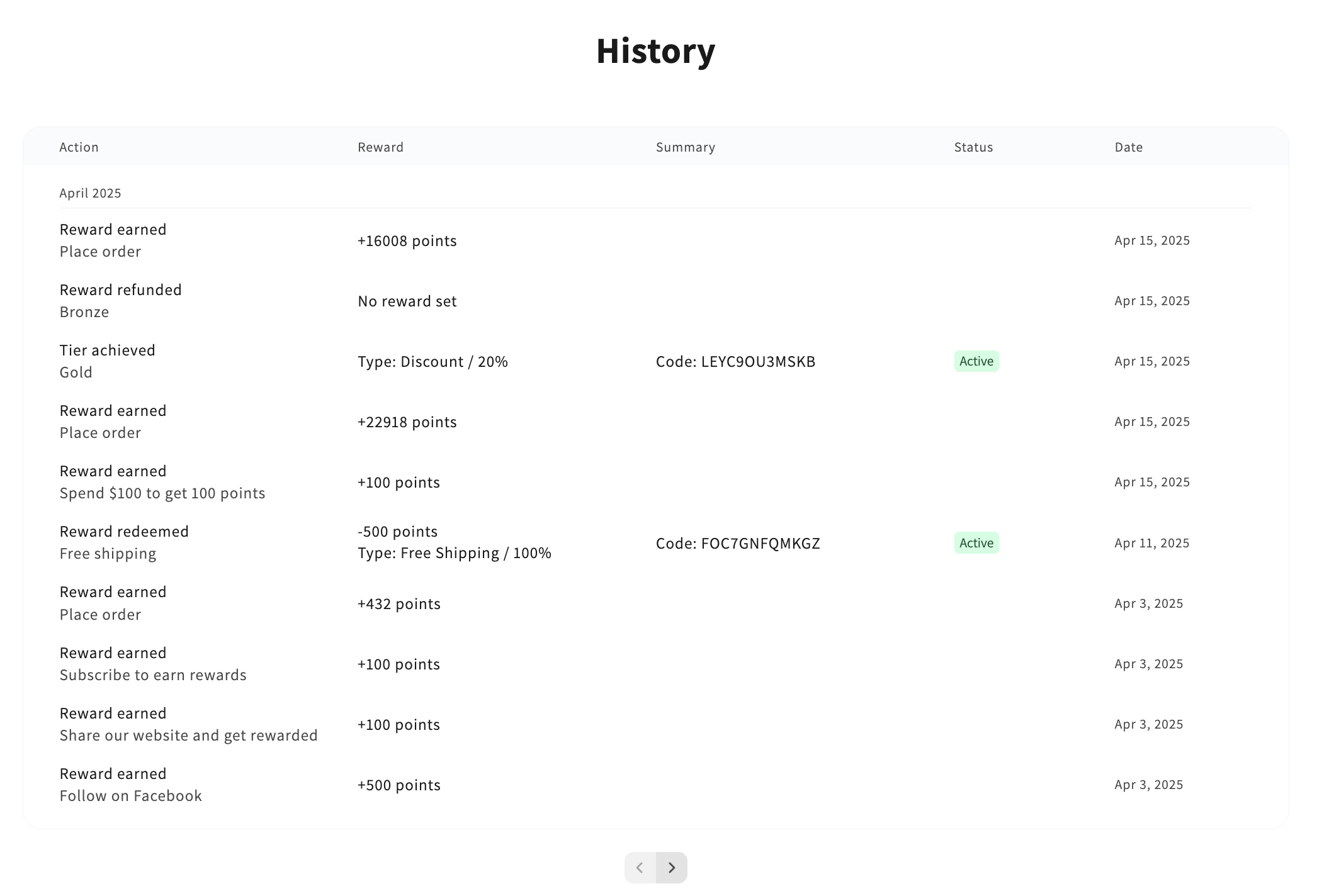
Code
<div
    class="gw-rd-history-page-widget-placeholder"
    data-gw-widget-shadow-root-enabled="true"
    style="display: block"
></div>
Attributes
Attributes
data-gw-widget-shadow-root-enabled?optional- Enables or disables the use of the Shadow DOM for the widget. Set to "true" to encapsulate the widget's styles and structure within the Shadow DOM, preventing style conflicts with the rest of the page.