RewardsWaysToEarnPageWidget
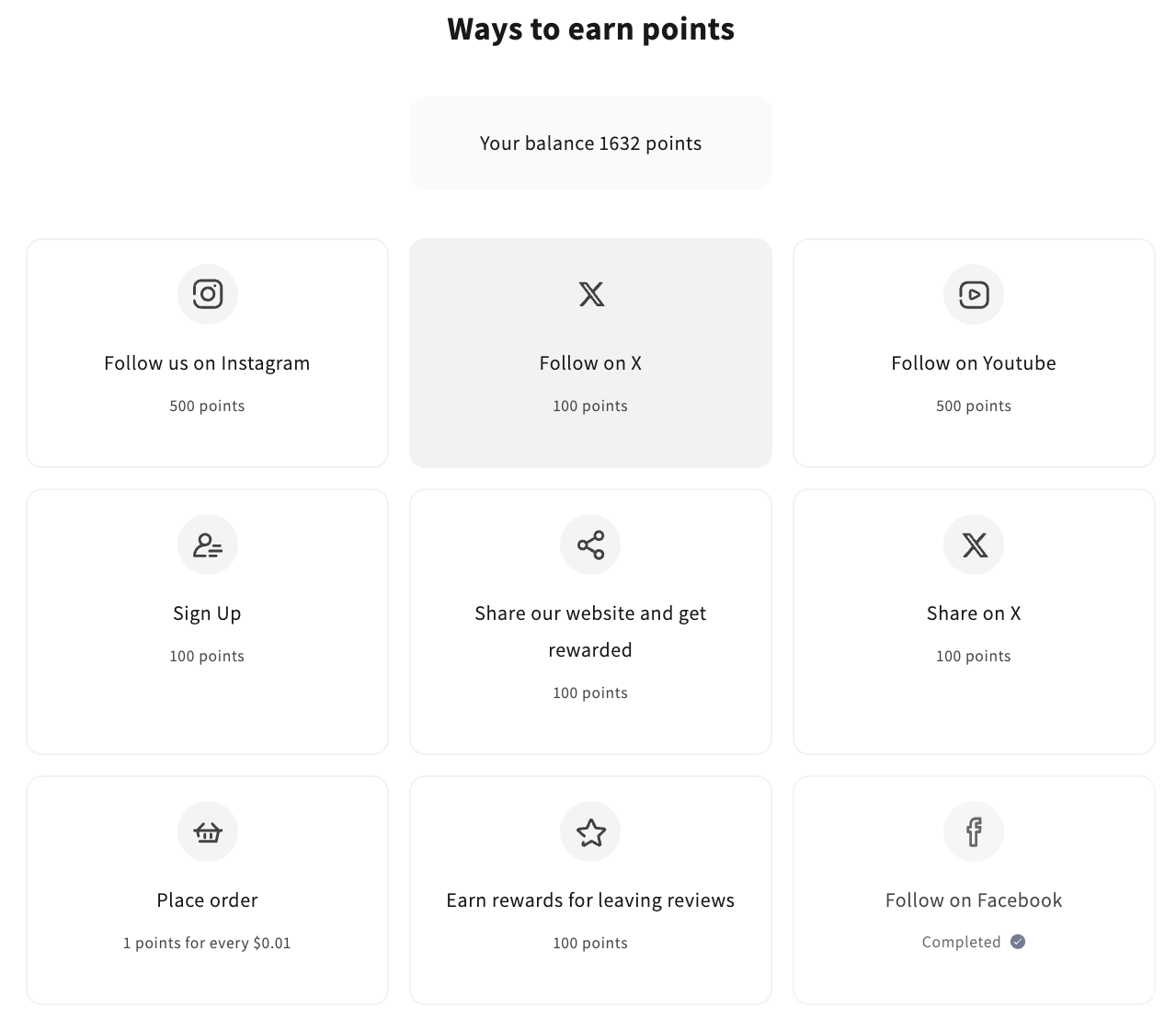
This widget provides a user-friendly interface displaying various ways for customers to earn points and rewards. It features a balance display and lists available actions such as leaving reviews, placing orders, subscribing to newsletters, signing up, and celebrating birthdays. Completed actions are visually indicated, helping users track their progress. This widget enhances customer engagement by offering clear and accessible methods to earn and monitor rewards directly from the storefront.
Activating the widget
To enable this widget, go to Growave admin -> Rewards -> Settings. In the "Points program status" section, click the "Enable" button next to the "Program is currently" block. Once enabled, this block will display "Program is currently Enabled".
Widget example
Code
<div
    class="gw-rd-ways-to-earn-page-widget-placeholder"
    data-gw-widget-shadow-root-enabled="true"
    data-gw-show-points-balance="true"
    style="display: block"
></div>
Attributes
Attributes
data-gw-widget-shadow-root-enabled?optional- Enables or disables the use of the Shadow DOM for the widget. Set to "true" to encapsulate the widget's styles and structure within the Shadow DOM, preventing style conflicts with the rest of the page.
data-gw-show-points-balance?optional- Indicates whether to display the customer's points balance at the top of the widget. Set to "true" to show the balance or "false" to hide it.