RewardsFreeProductSliderWidget
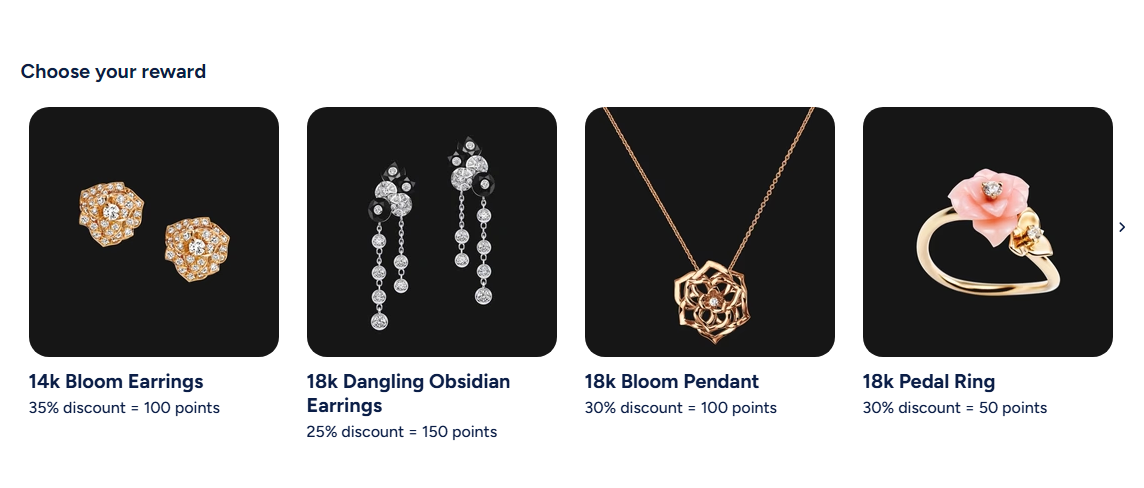
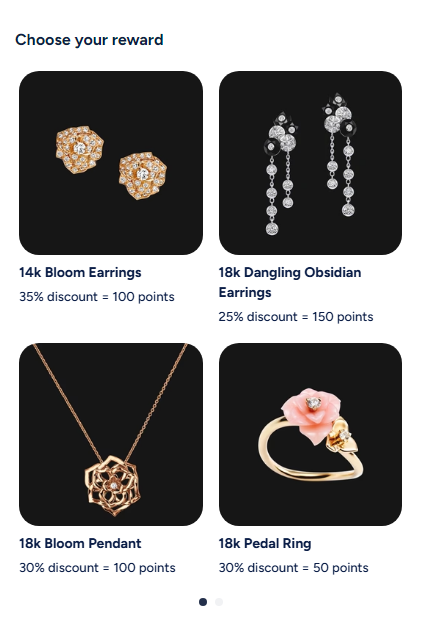
This widget displays free product rewards available to customers on the storefront. To set which items appear in the widget, follow these steps:
- Go to your Growave admin dashboard.
- Navigate to Rewards → Points → Add ways to Redeem.
- Select Free Product as the rule type.
- Choose the products you want to feature and set the required points for each.
- Save your changes.
Once configured, the selected free products will be displayed in the widget for your customers to view, along with the points required for each reward.
Activating the widget
To enable this widget, go to Growave admin -> Rewards -> Settings. In the "Points program status" section, click the "Enable" button next to the "Program is currently" block. Once enabled, this block will display "Program is currently Enabled".
Widget Example
Desktop
Mobile
Code
<div
    class="gw-rd-free-product-slider-widget-placeholder"
    data-gw-widget-shadow-root-enabled="true"
    style="display: block"
></div>
Attributes
Attributes
data-gw-widget-shadow-root-enabled?optional- Enables or disables the use of the Shadow DOM for the widget. Set to "true" to encapsulate the widget's styles and structure within the Shadow DOM, preventing style conflicts with the rest of the page.
data-gw-modal-enabled?optional- Enables or disables the modal functionality for the widget. Set to "true" to allow users to click on products and open a modal window to redeem the product.
data-gw-redirect-to-cart-after-redeem?optional- Determines whether the customer is automatically redirected to the cart page after redeeming a free product reward. Set to "true" to enable automatic redirection.