RewardsFaqPageWidget
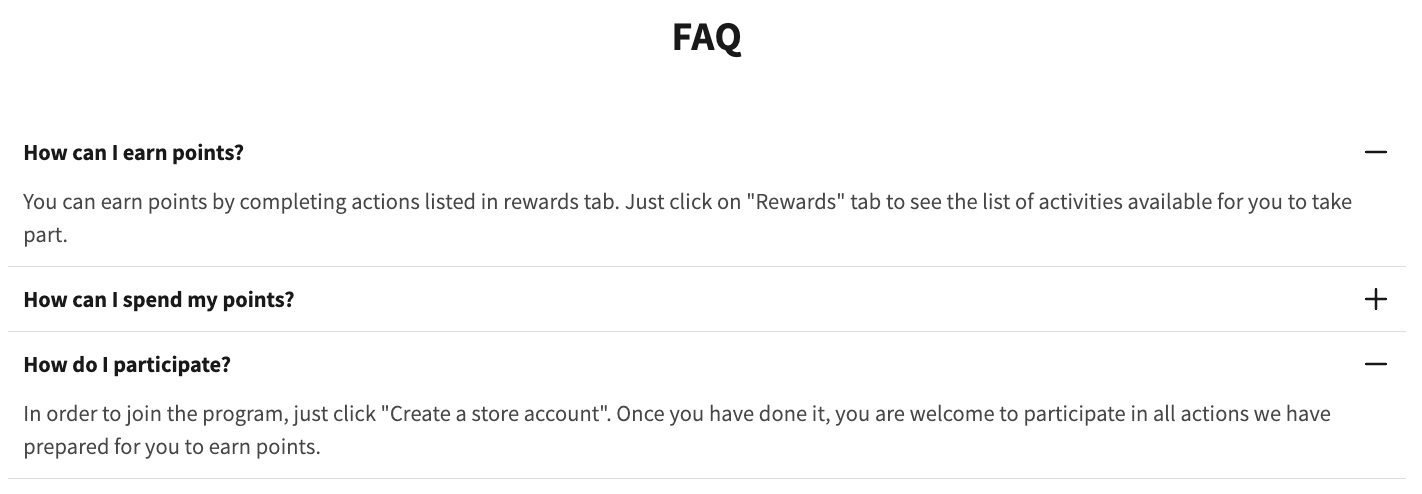
This widget displays frequently asked questions related to your Rewards program. It helps customers understand how to earn and redeem points, the rules for VIP tiers, how the referral program works, and other key details. The FAQ content is managed in the Growave admin and automatically rendered on the storefront when the widget is placed.
Activating the widget
To enable this widget, go to Growave admin -> Rewards -> Settings. In the "Points program status" section, click the "Enable" button next to the "Program is currently" block. Once enabled, this block will display "Program is currently Enabled".
Customizing FAQ content
To change the text in the Rewards FAQ widget:
- In your Growave admin, go to Branding -> FAQ.
- Edit the default text for existing questions.
- Add new questions and answers as needed.
Widget example
Code
<div
    class="gw-rd-faq-page-widget-placeholder"
    data-gw-widget-shadow-root-enabled="true"
    style="display: block"
></div>
Attributes
Attributes
data-gw-widget-shadow-root-enabled?optional- Enables or disables the use of the Shadow DOM for the widget. Set to "true" to encapsulate the widget's styles and structure within the Shadow DOM, preventing style conflicts with the rest of the page.